Footnote: Meeting Context on Smart Glasses
Real G2
Tested on the actual glasses, not just the simulator
1 press
Saves a question for after the meeting
0
Emails sent without you approving them
LA Hacks 2026 · with Kartik Pradip Shelar
An app for Even Realities G2 glasses that explains company jargon while the meeting is happening. You see what a word means and who to ask, save questions without interrupting, and send them afterwards once you've read them.
Why we built it
Kartik and I both worked for about two years before our master's. We'd talked a few times about being new and sitting in meetings where people said DRI, RFC, SEV2 or cutover, and we had no idea what they meant. You either interrupt, look it up on your phone, or lose the thread.
When we saw the Even G2 glasses at LA Hacks, that moment felt like exactly what they could help with. So we built it.
On the glasses
The glasses listen during the meeting. When a word from the company glossary comes up, you get a small card with what it means and who to ask.
Through the lens
Illustrative render
“Bluebird is slipping because FCS is still on the old golden path.”
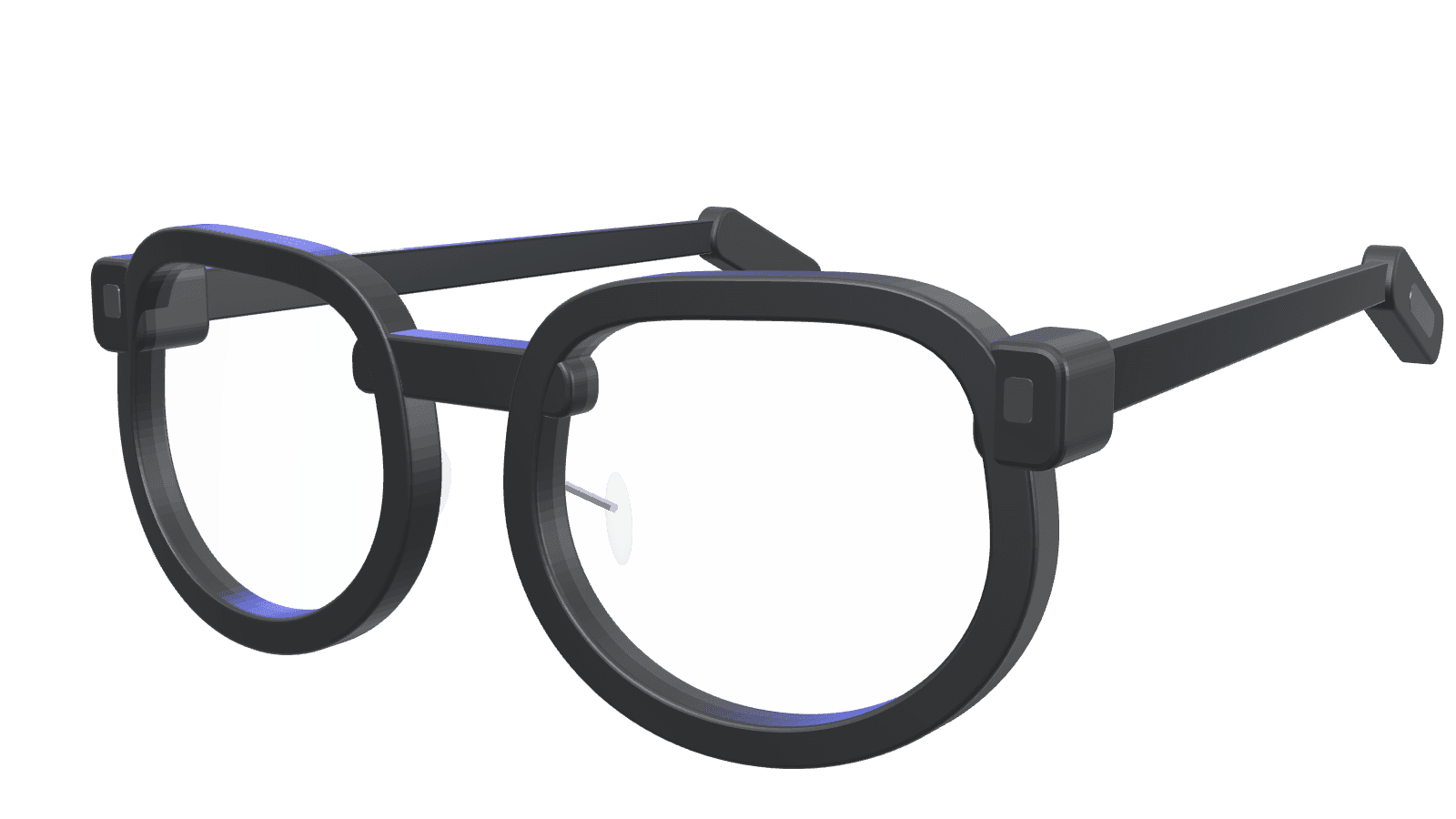
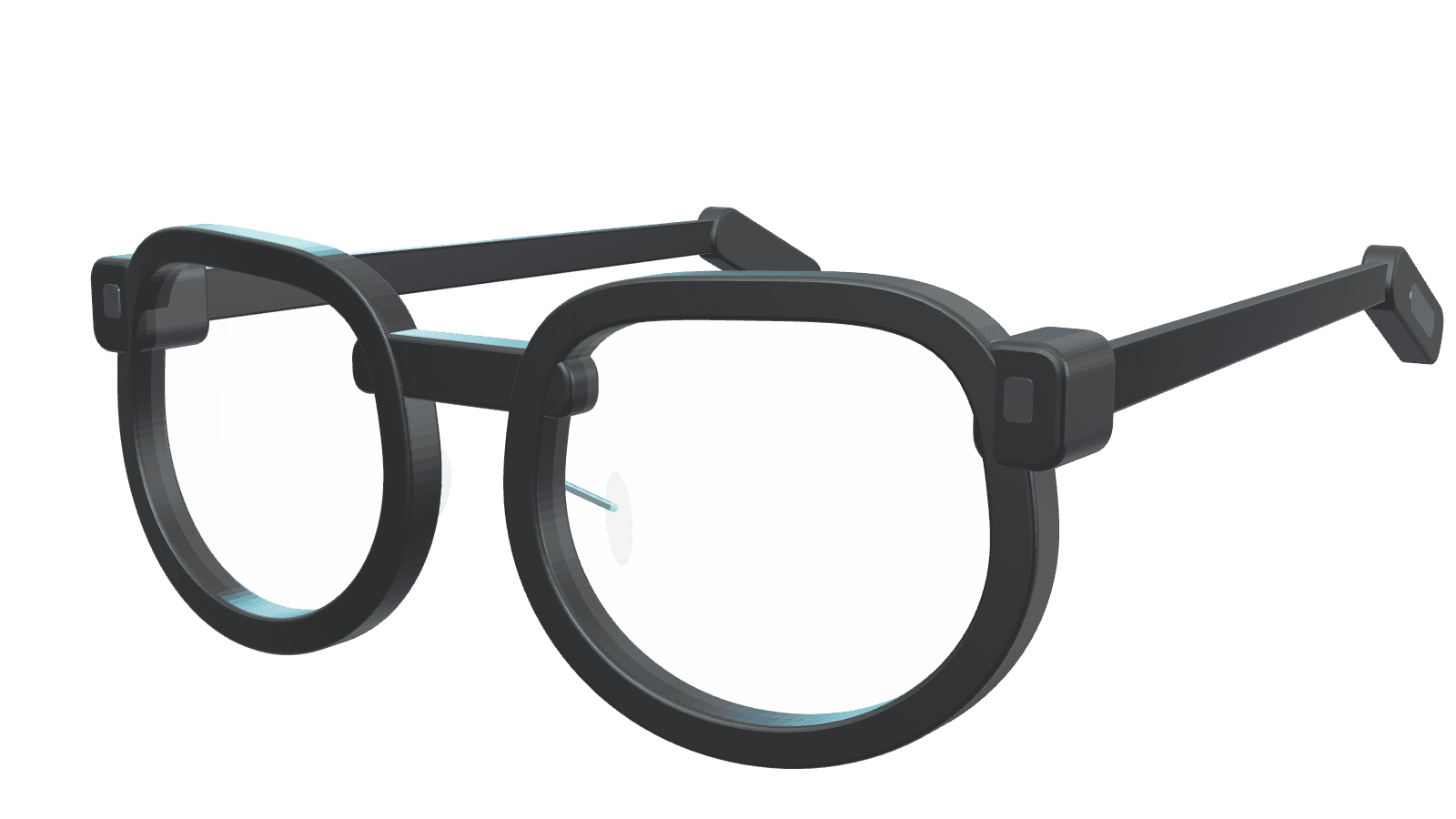
Pick a step to see it from the wearer's side.
After the meeting
Every saved question goes into one email per person. You read each one on your phone, and nothing sends until you approve it. For the demo, all emails go to our own inbox.
There's also a Fetch.ai agent you can talk to in ASI:One. It reads the same saved meeting data, so you can ask it what a word means, what you learned today, or to prep you for your next meeting. It can send your follow-ups too, but only after you approve each one.
How it works
Glasses
The G2 mic records the meeting
Phone
Sends the audio in 4-second chunks
Backend
ElevenLabs turns speech into text
Match
Known words go straight back as cards
Words it doesn't know, like a new project name, go to StepFun in the background. The card shows up a bit later, marked as a guess, so the known words never wait on the model.
What I built
- The glasses and phone app. Gestures, recording the mic in chunks, the phone screens and reviewing drafts.
- The digest page that shows the words you heard and the people worth meeting.
- Speech matching fixes, so “run book” matches runbook and “HAL nine” matches HAL-9.
- The agent's meeting prep and the approval step for sending follow-ups from ASI:One.
- Deploying it and testing everything on the real glasses.
Kartik built the backend, the company data, the first version of the agent and the final design.
Problems we hit
The app wouldn't start on the glasses
We were setting text brightness as high as 15, and the G2 only accepts 0 to 4. Fixing the values got it running, and a test now checks the real startup settings.
A new project name never showed up
The model needed 10 to 20 seconds to explain a name it didn't know, longer than our limit. We gave that background work up to 25 seconds while the phone still stops waiting after 6, so the card just shows up a little later.
Three emails went missing
Every email we tested arrived, but USC's mail filter held three of them in quarantine. Once I released them, they showed up in the inbox.
What it doesn't do
- The company and its glossary are made up. Nobody used it at a real job.
- It's one shared demo account, not something a team could sign into.
- We never measured how long a card takes to show up on the glasses.
- The servers are off now. The demo video and the two agent chats show it working.